
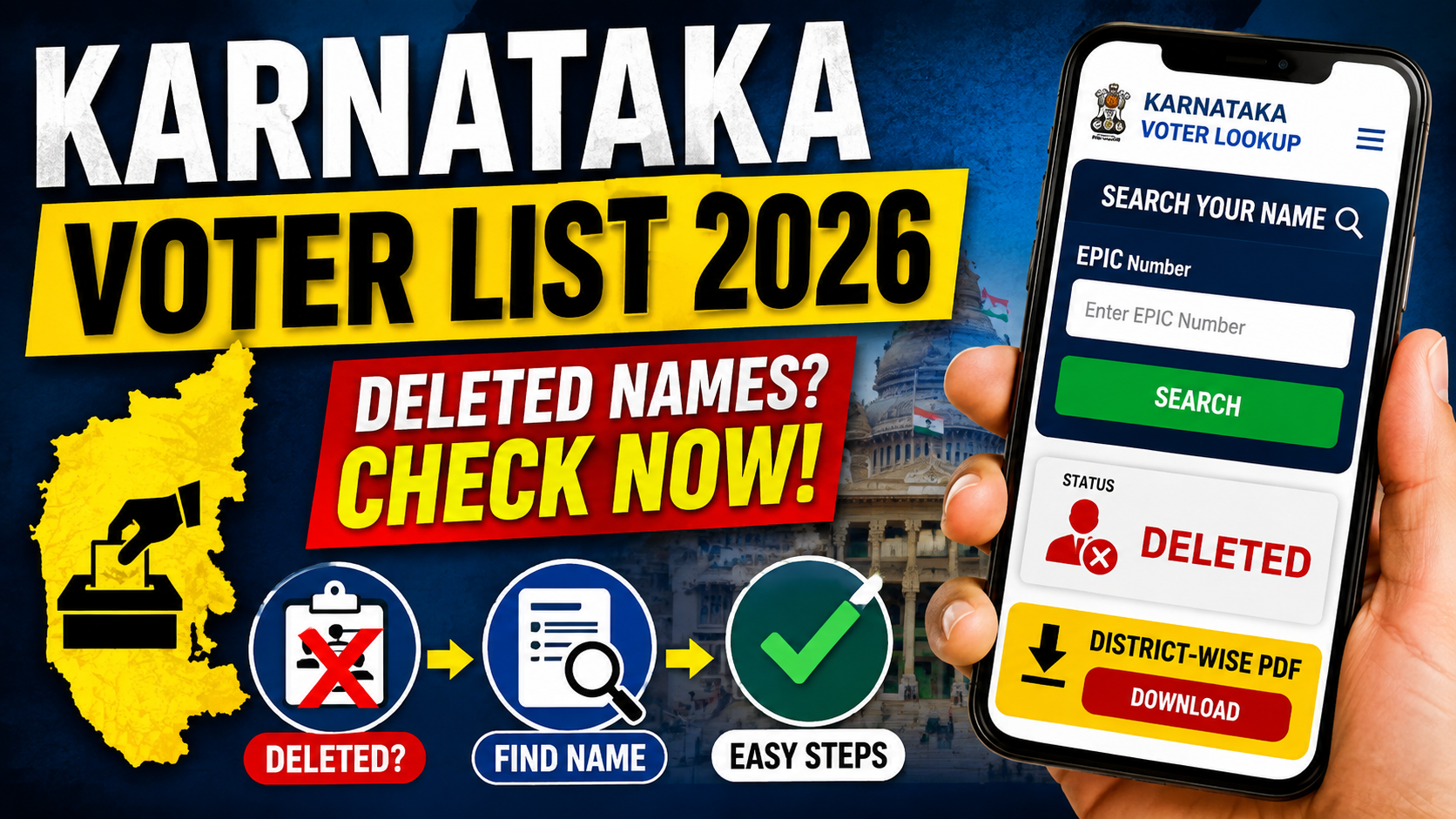
Understanding Electoral Roll Revisions & ASDDO Classifications
During periodic electoral roll updates, electoral authorities review voter registers to maintain accuracy across constituencies. As part of this administrative process, certain entries are flagged under the ASDDO category (Absent, Shifted, Dead, Duplicate, and Others).
- Absent / Shifted: Electors who are no longer available at their enrolled residential address.
- Dead: Records marked for standard removal procedures following official verification.
- Duplicate / Others: Redundant entries across different parts or sections.
Regular verification helps ensure your registration details remain current with local election authorities.
Disclaimer: This search tool is provided for informational reference only. The data displayed is retrieved via an embedded third-party interface and does not constitute an official government record. For official voter verification, corrections, or enrollment services, please visit the Election Commission of India Voters’ Services Portal or your respective State Chief Electoral Officer Portal.
Karnataka ASDDO Deleted Voter List – How to Check
- Step 1: Visit the official Karnataka ASDDO Website: https://ceo.karnataka.gov.in/asddo.html
- Step 2: Select your District / Constituency and find the relevant ASDDO voter list.
- Step 3: Download the district-wise or constituency-wise PDF and search for your name, EPIC number, or other details.
- Step 4: If you have a large number of PDFs and want to check them quickly, use this ChatGPT AI Command:
https://drive.google.com/file/d/1KdJ0mYE6cg5zCWZE74-LTcN7TnVlzyGF/view?pli=1 - Step 5: Follow the instructions in the AI command and provide the required voter-list PDF/ZIP files.
- Step 6: The AI can help search across the uploaded PDFs and identify whether your name/EPIC number appears in the ASDDO list.
- Important: Always cross-check the result with the official Karnataka Election Department records before taking any action.
How to Check Your Name in the Karnataka SIR Deleted/Uncollectable Voter List Using ChatGPT
You can use ChatGPT to search the complete SIR Deleted/Uncollectable voter dataset downloaded from the Karnataka CEO ASDDO website. First, download the relevant ZIP file from the official Karnataka ASDDO website, then open ChatGPT at https://chatgpt.com/ and upload the ZIP file. Copy and paste the search command provided below, enter the voter’s FULL NAME and EPIC/Voter ID, and ask ChatGPT to search ALL PDFs, ALL pages and ALL Parts. The search should prioritize an exact EPIC match, followed by an exact name match and then careful fuzzy/OCR matching. If a voter is found, ChatGPT should provide the name, EPIC, age, gender, AC, part number, polling station, serial number, uncollectable reason, PDF filename and page number, and clearly classify the result as CONFIRMED MATCH, POSSIBLE MATCH, or NOT FOUND.
ChatGPT: https://chatgpt.com/
Below is The AI Command to be Used in Chat GPT to Check your Delated name in SIR 2026
Ai Code Starts Here :
Search the COMPLETE uploaded SIR Deleted/Uncollectable voter dataset for this voter.
Search by:
FULL NAME: [ENTER NAME]
EPIC/VOTER ID: [ENTER EPIC]
Check ALL PDFs, ALL pages and ALL Parts.
Prioritize exact EPIC matching, then exact name, then careful fuzzy/OCR name matching.
If found, report:
Name, EPIC, Age, Gender, AC, Part Number, Polling Station, Serial Number, Uncollectable Reason, PDF Filename and Page Number.
Clearly tell me whether the voter is:
CONFIRMED MATCH / POSSIBLE MATCH / NOT FOUND.
If multiple people have similar names, list all possible matches and do NOT assume they are the same person.
Search the entire dataset before concluding.
Ai Code Ends here